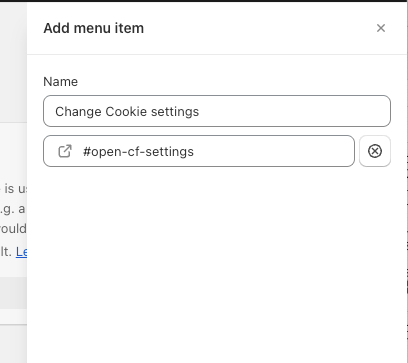
Shopify: How to add a link to open the cookie settings panel?
Shopify does not allow to use javascript inside footer links for example. So if you want to add a custom link in the footer to open the cookie settings panel you need to either hard code this link inside your theme files or use a workaround.
You can add a custom script to your banner. Go to your domain settings and click on Scripts in the left side menu. Click "Add service". Search for 'Custom Script'
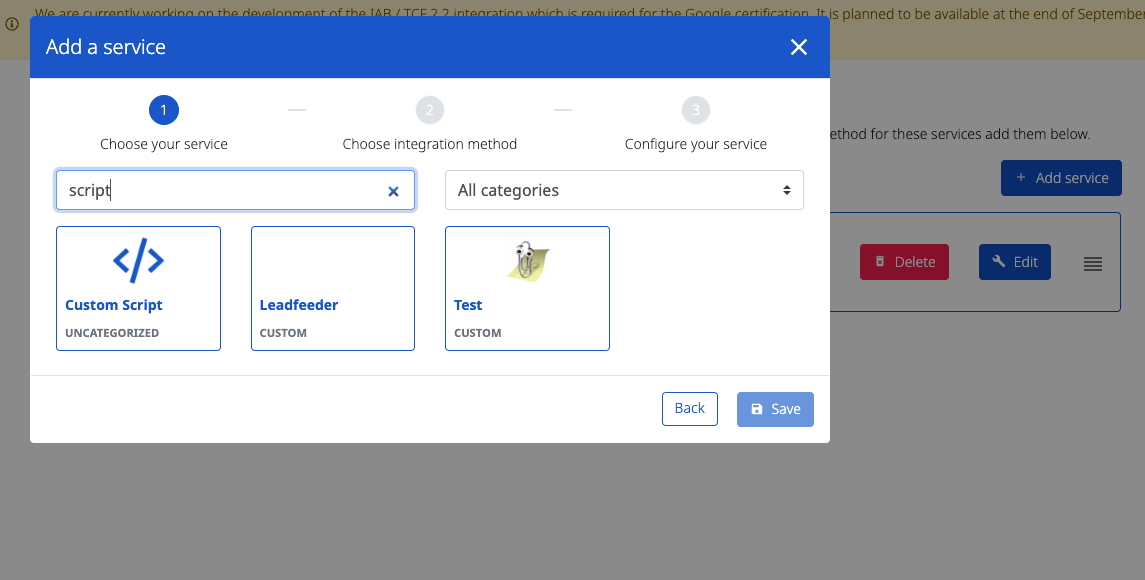
On the next screen choose Load with banner.
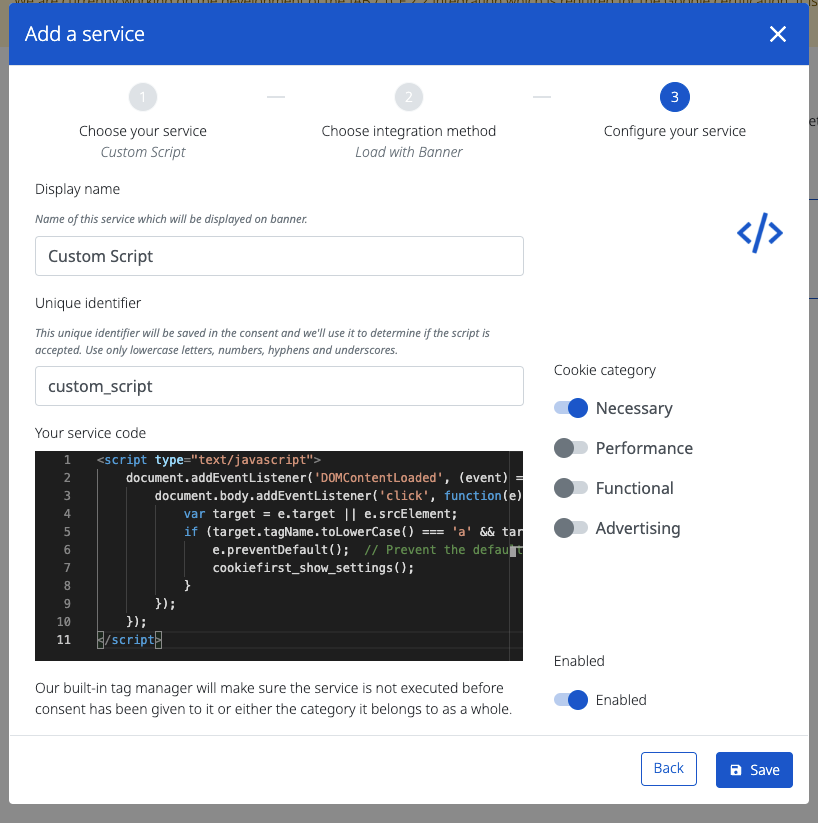
Add the following script and select for category Necessary and toggle "Enabled"
HTML
<script type="text/javascript">

document.body.addEventListener('click', function(e) {

var target = e.target || e.srcElement;

if(target.tagName.toLowerCase()==='a'&& target.getAttribute('href')==='#open-cf-settings'){

e.preventDefault(); // Prevent the default action (navigation) of the link

cookiefirst_show_settings();

}

});
</script>
Click Save.
Then go to your shopify site and add a footer link for example.
In the link settings add #open-cf-settings